

Program components
Viewer
Section titled “Viewer”- TreeTview — the desktop kiosk player (Windows · Linux · Raspberry Pi). It plays content full-screen on the on-site display.
- TreeTview Android — a native viewer that plays the same screens on Android devices.
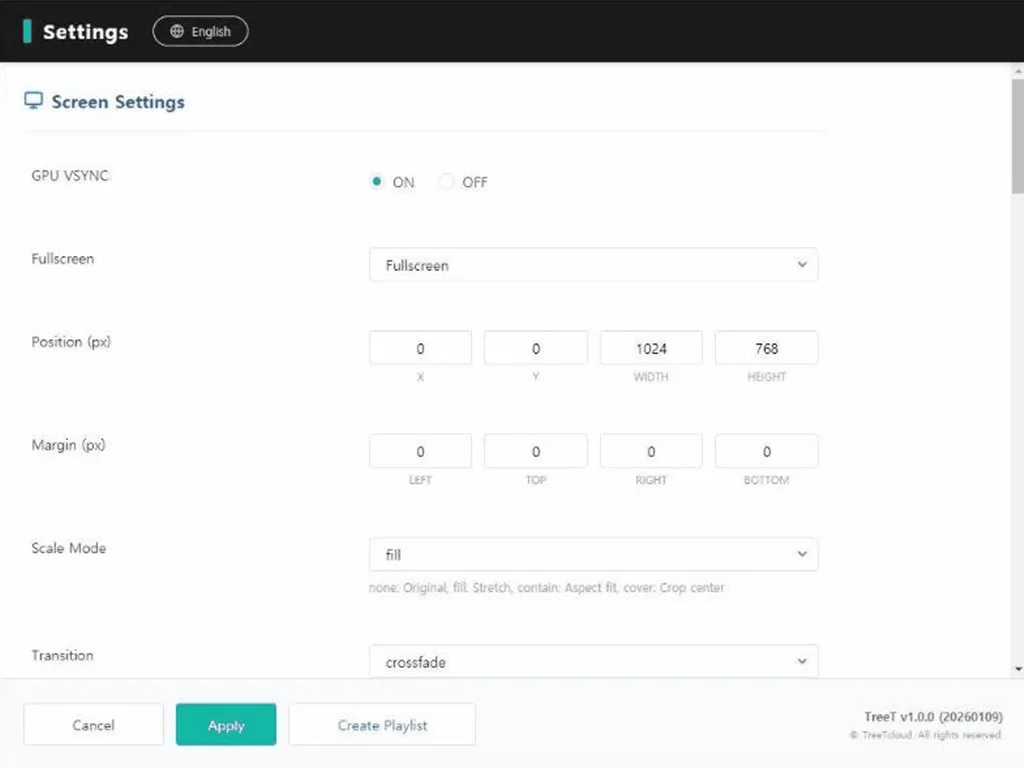
On site, you can open the viewer’s own local settings screen with a shortcut key (F8).
- TreeT CMS — the web admin console for uploading content, scheduling, registering devices and checking their status, and controlling playback in real time (play/stop/volume). When a viewer starts up, it registers and reports to the CMS automatically.
Supporting components
Section titled “Supporting components”- Sync server — multi-screen synchronization that aligns playback timing across several screens so they look like one.
- Watchdog — restarts an on-site program if it stops. It’s also what actually installs program updates, and if the new version doesn’t come up, it rolls back to the old version by itself.
- Edge relay — at sites where the internet is blocked, relays real-time control commands within the site (a closed-network setup).
See Key features for what these components provide.